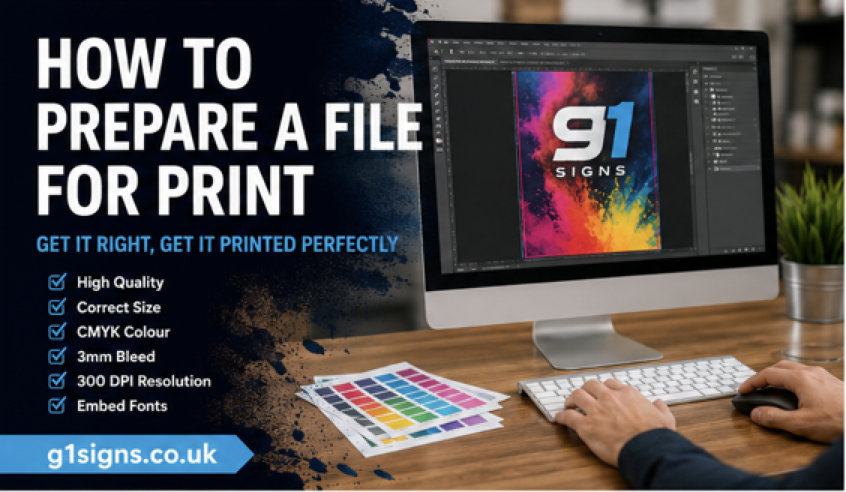
Whether you are printing a poster or a flyer we can help you – How to Prepare a File for Print.
With the help of Chat GPT and websites like Canva, creating a print ready file has never been easier!
You can visit AI here and simply use a prompt like – “Please create an A5 flyer for a new bakery called Bake and Eat, pastel colours, address, tel number, special offer, pictures of nice baking” and this is the first draft you will get…
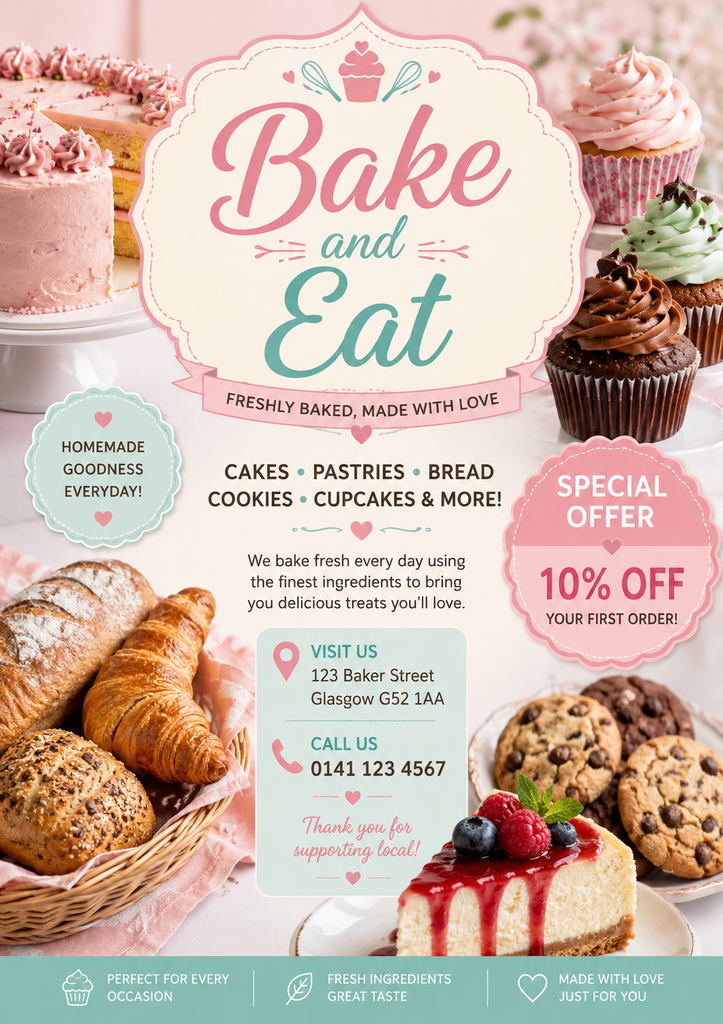
But , there are some faults in this example, here is some additional help…
- Make sure you have the correct size. For example for an A5 double sided flyer, you need two pages or 2 files at 148mm by 210mm. For a portrait file, this would be 148 mm wide by 210 mm high. It is best to send 1 pdf file with all the pages in it.
If it is a landscape file which means that it’s wider than it is taller, then it would be 210mm wide by 148mm high.
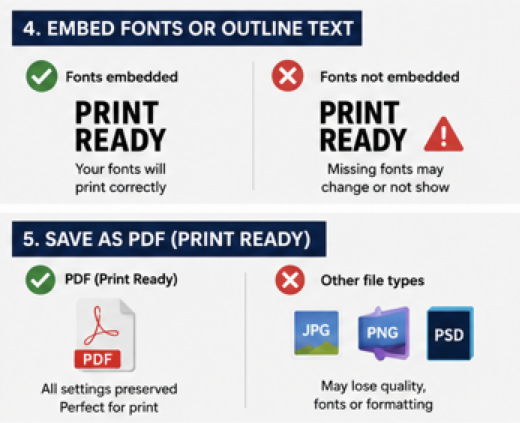
For an A0 poster it would be significantly larger. ..An A0 poster file should be 841mm by 1188mm. These sizes apply to UK paper. - Ideally, save files as PDF print ready. Most programs have an option to save as or to export as print ready PDF.
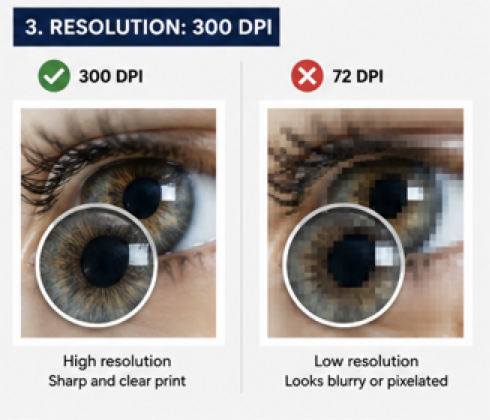
- Please check that all your images within your document are large enough and clear enough to be used for that file size. An easy way to do this is to open the document in Adobe Acrobat either online or on your computer and look at it at 100% view.
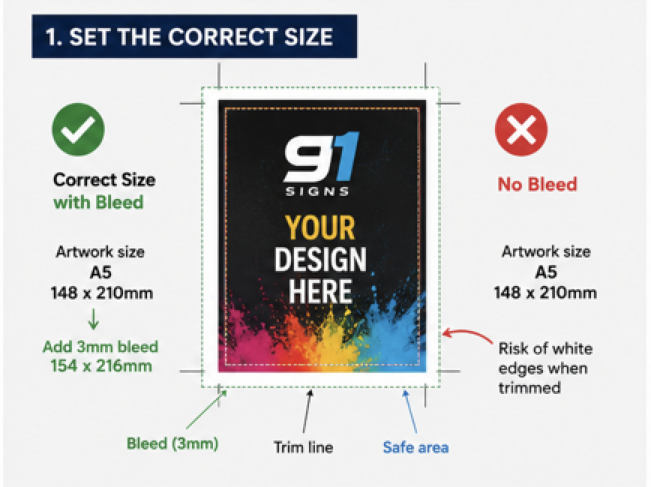
If the images look clean at 100% zoom – nice and clear, then it is ready to go to print . It is more difficult to examine your file on a mobile phone. So, use a laptop or a PC. - Add a 3 millimetre bleed to the file for each page. So for example, if you document is an A5 which is 148mm x 210 mm then you would supply the file as 154mm x 216mm.
- Do not put any important text or images in the 3mm bleed area or near the edge of your completed document .
- Check your files very carefully because as soon as you send them to go to print, you no longer have the opportunity to change anything. The printing company understands that you normally want your print as soon as possible so they will put it onto the print queue very quickly.
- Printing onto paper materials or foam board takes time to complete and to finish. To get the best price for your print order, give the print company as much time as possible to get your order completed.
- If you want the print company to make any changes to your document, you may very well have to supply the assets along with the file. The assets mean the text font types and the images.
If you need help, please contact us, we can create the file from scratch for you, just by a telephone call.
How to Prepare a File for Print – Images in order…
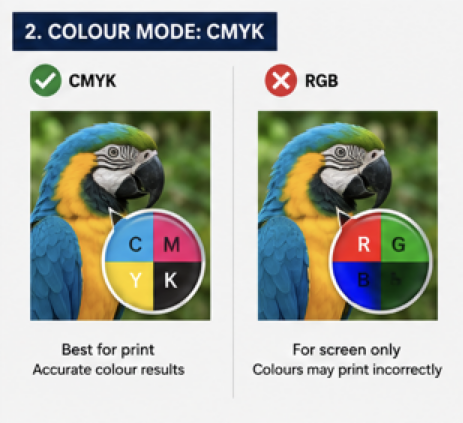
Some more printing help resources…
Ready to Send Your File to Print?
Taking a few minutes to check your artwork before sending it to print can prevent delays and help you get a much better finished result. Make sure the size is correct, images are clear, bleed has been added and important text is kept safely away from the edges. Whenever possible, supply your artwork as a print-ready PDF.
If you’re unsure whether your file is ready, G1 Printing can help. Send us your artwork and we can check it before printing, giving you peace of mind that your posters, flyers, business cards or other printed products are ready to go.